Quick Start
This page walks through the first-time setup from registration to client configuration. The unified model-go API base URL is:
https://model-go.com1. Register an account
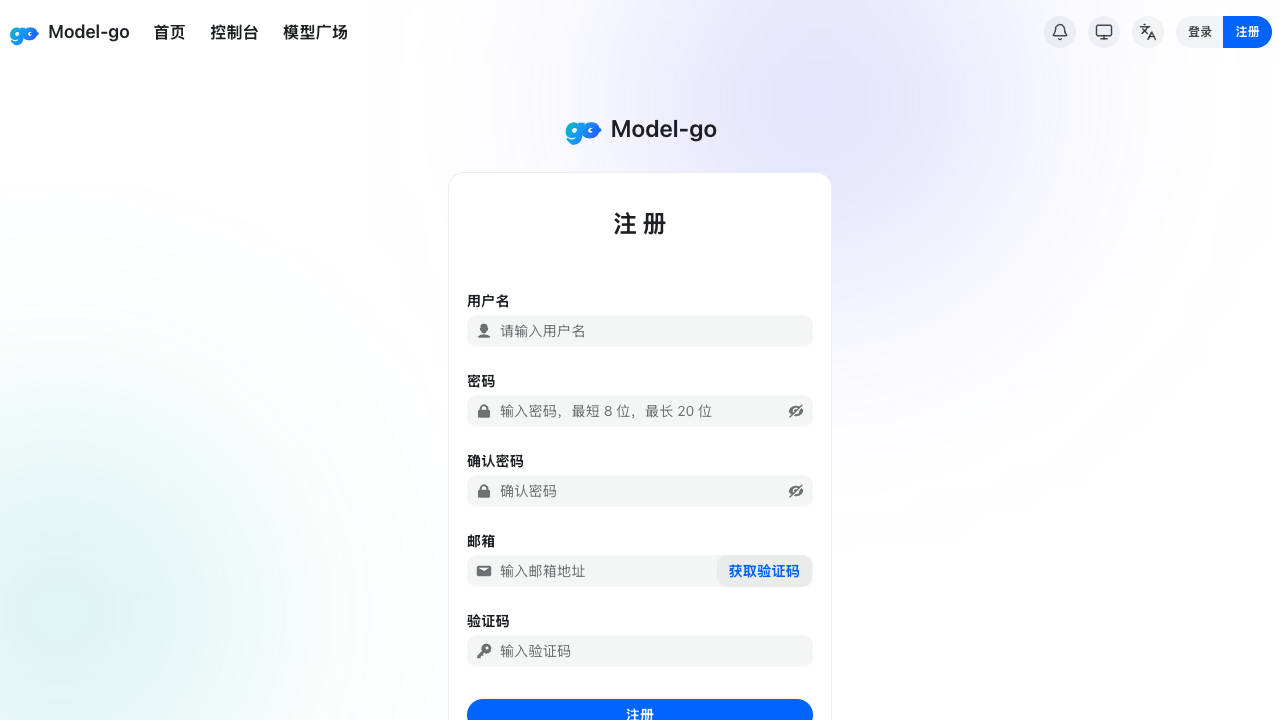
Open https://model-go.com/register and create your account.
The registration form asks for a username, password, email verification code, and agreement to the user agreement and privacy policy.
2. Sign in
Open https://model-go.com/login, enter your username or email and password, then click Continue.
After signing in, you will enter the Console, where you can check balance, request counts, token usage, and service status.
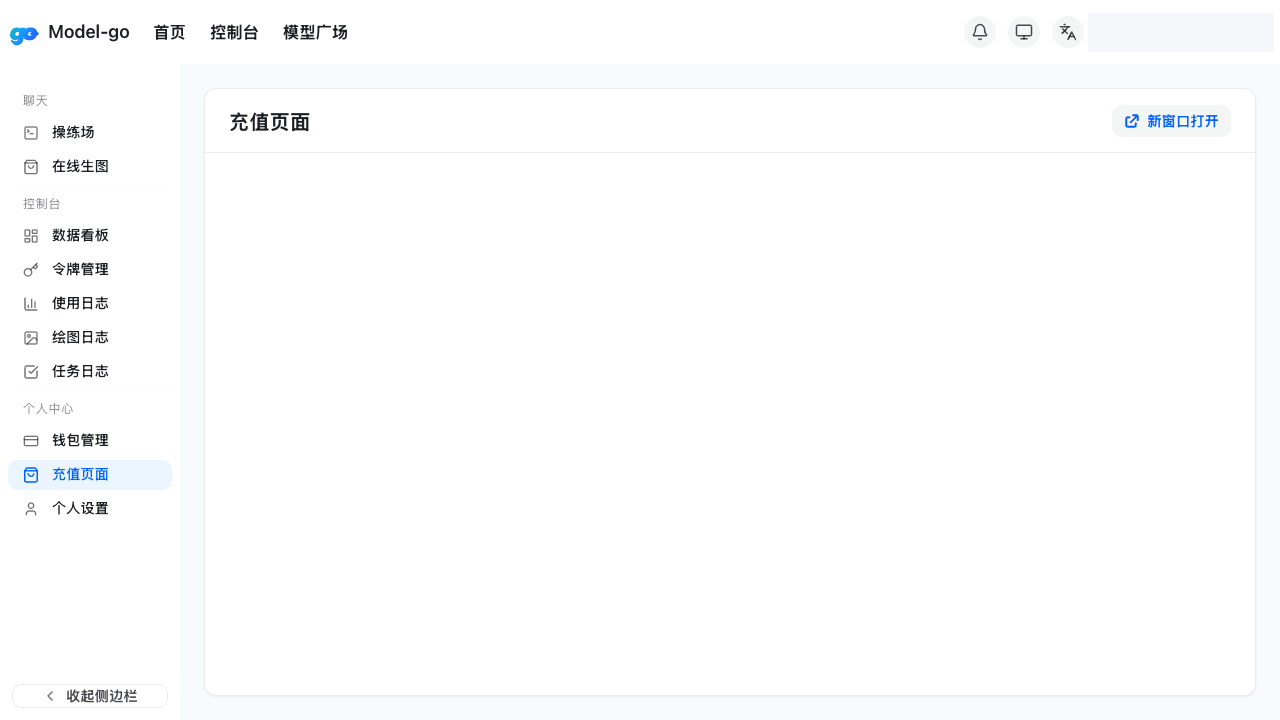
3. Add balance or purchase a plan
Open the top-up page or Wallet Management in the console to make sure your account has available balance.
4. Create an API Key
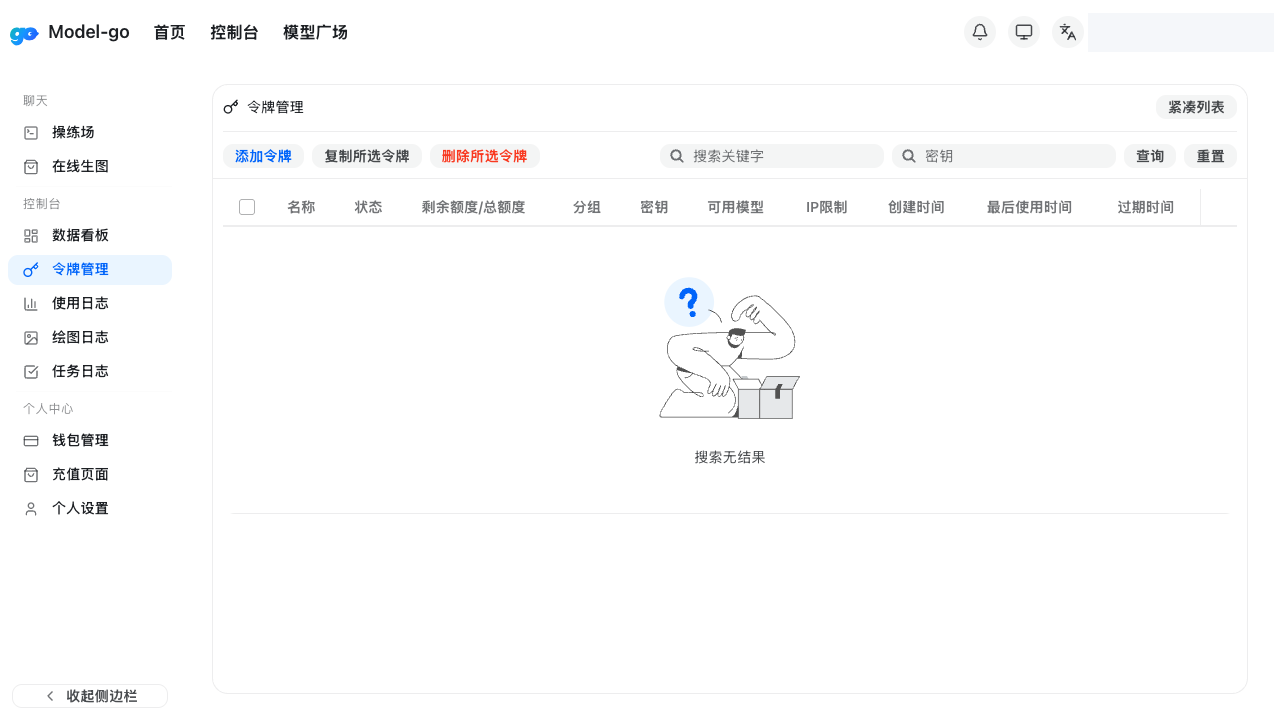
Open Token Management, create a new token, and store it securely. Keep API keys in your local client, server environment variables, or secret manager.
5. Configure your CLI tool
Continue with the setup guide for the client you use.
If your tool supports OpenAI-compatible APIs, set the Base URL to https://model-go.com and use the API key created in Token Management.
6. Browse models
Open Models to review available models, model groups, and pricing.